Leave a Smart Rental Ready for Its Next Occupant
Hand off documented equipment while removing account ties and preserving normal physical controls.
In this article
- Get a written device inventory
- Verify a physical fallback before resetting
- Remove people, links and stored media knowingly
- Bring the new resident in through their own access
- Close the handoff with an ordinary walkthrough
- Make an ownership map room by room
- Stage the most consequential transitions first
- Look for data on each storage path
- Replace current access through supported settings
- Walk the handoff in the receiving person's order
- Check once after everything is in place
On move-out day a smart lock still has to act like a lock, and a thermostat must still let the next resident adjust the room. Work backward from those physical actions. A good handoff preserves the agreed equipment while cutting off the departing resident's app access, routines and stored personal data.
Get a written device inventory
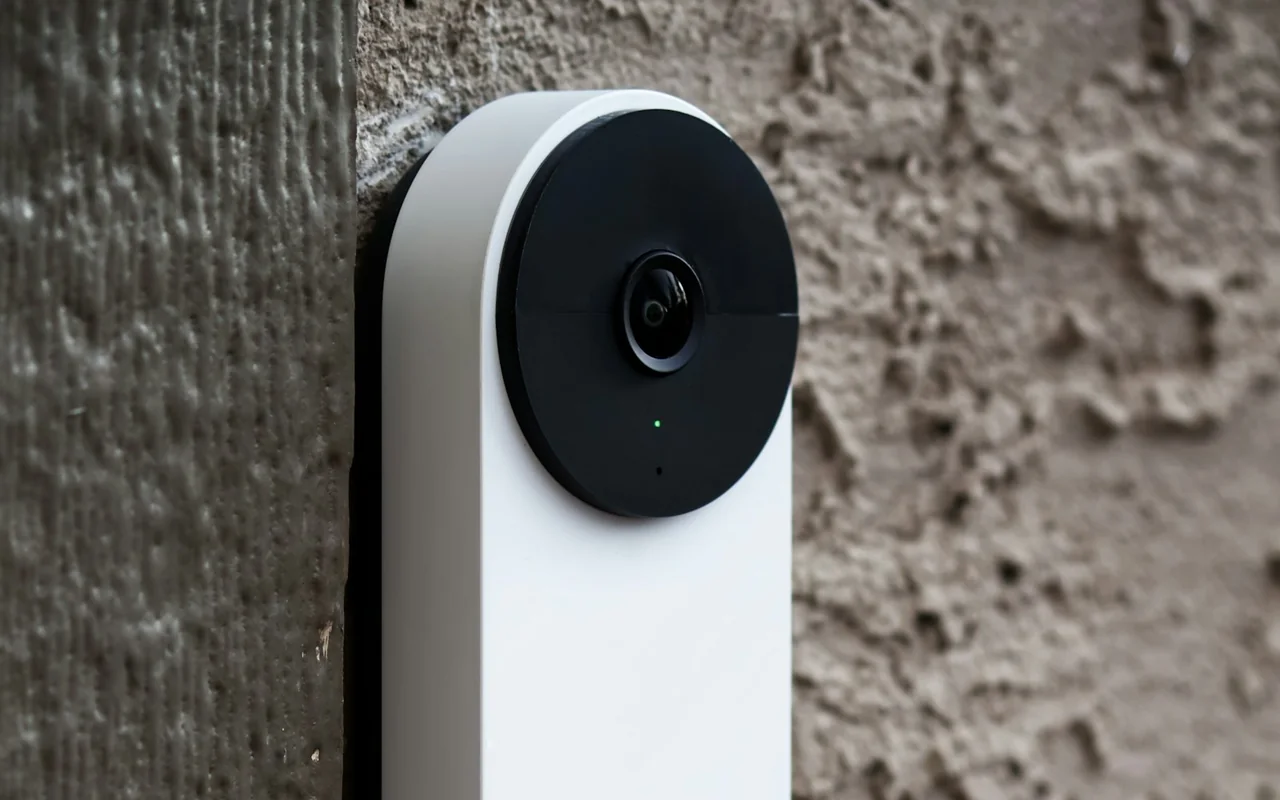
List what leaves and what stays with the property owner or other authorized person. Include model, room, power source and the person who controls the account. A doorbell may have both a cloud subscription and a memory card. A thermostat might still be bound to schedules in a third-party home service. A speaker can hold Wi-Fi settings and links to personal media.
Keep secrets out of the inventory itself. Record where authorized recipients can obtain keys, entry codes and secured onboarding information. Separate ownership of the hardware from account and subscription ownership. A landlord can own a mounted device while a resident is the account owner entitled to remove their link.
Verify a physical fallback before resetting
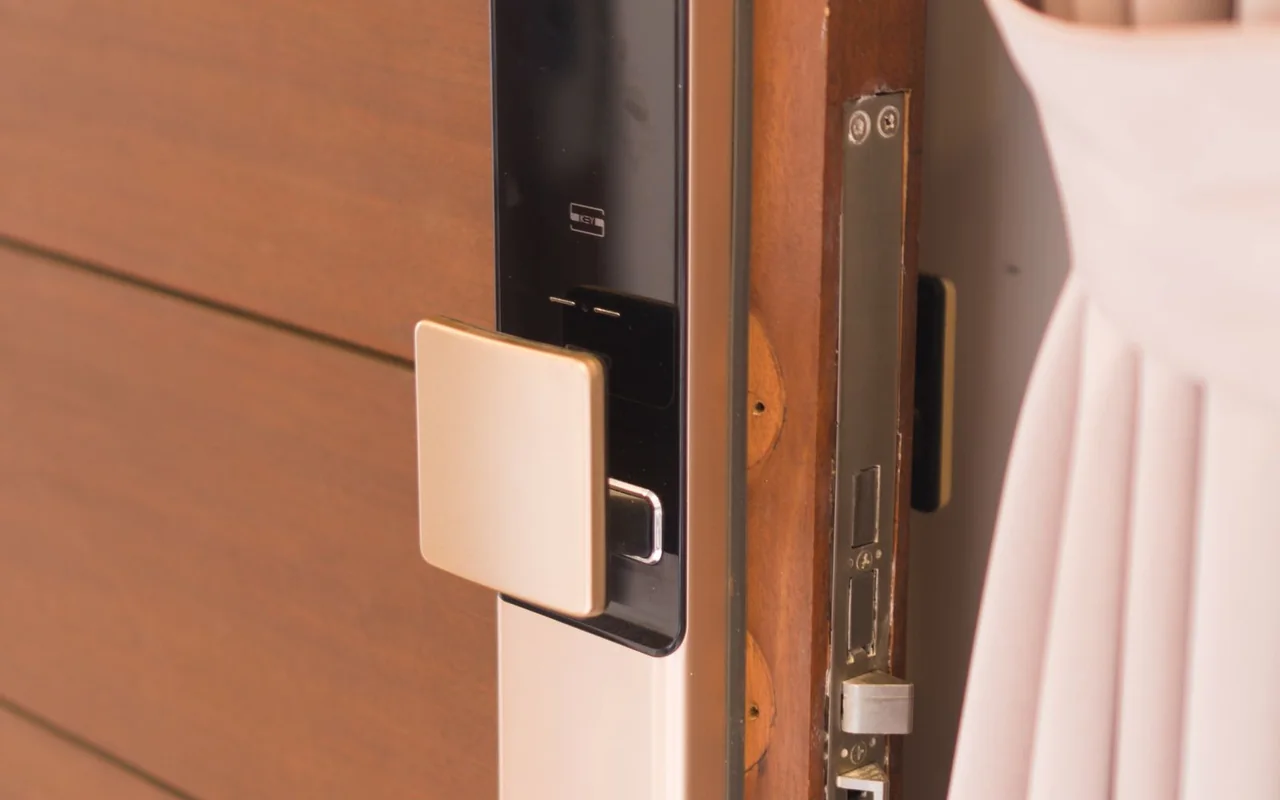
Check that a mechanical key, physical controller or manufacturer-supported local setup makes the essential function usable. Rehearse the lock with the door open when that is safe and in line with its instructions. Confirm both locking and unlocking from the relevant sides. Check the approved way to operate heating or cooling during a network outage. Keep building and equipment controls in their normal operating modes.
Stop and coordinate if resetting would remove everyone's only way to enter or operate equipment. A documented transfer and shared on-site check can avoid leaving an unattended device in an unexpected state. There is no advantage to clearing an entry code an hour earlier if it strands an authorized person outside.
Remove people, links and stored media knowingly
Review shares, household membership, automations, voice assistants and integrations for each device. Save only material you are authorized to retain. Some accounts delete history on removal or reset. Google provides device-specific moving instructions for Nest products and notes that ownership changes, reset behavior and history differ by model or app.
Use the supported procedure for the exact model. Removing a device from an app and factory-resetting the hardware can be separate actions. Check cloud history and local removable media separately. For shared services such as a household router or hub, verify before resetting because unrelated devices may depend on it.
Bring the new resident in through their own access
Give the authorized person instructions for enrolling under an account they control rather than handing over a personal sign-in. Replace entry codes using the device's normal process, and agree on access for maintenance where relevant. Ask the next authorized user to check that the equipment is reachable under new credentials. The departing user can confirm that their app no longer sees or controls it.
Use brief neutral setup notes. A thermostat note can explain where to set a hold and how to return to schedule. A lock note can give the battery warning cue and location of the mechanical fallback without listing live codes. Keep private clips, home routines and names outside a printed guide somebody might leave in a drawer.
Close the handoff with an ordinary walkthrough
Walk the handoff in the order the next user will encounter it: enter, adjust temperature, identify any recording devices and recover from a power or network interruption where relevant. Confirm subscription ownership, renewal and contact information. Keep only the facts required by the agreement. A clean handoff is complete when both people understand who can control the device and normal physical access still works.
Make an ownership map room by room
Walk through the property with the person authorized to receive it and identify each connected device you are responsible for. Note the room, manufacturer and exact model without posting onboarding codes. Ask whether a memory card, external power supply, spare key or wall plate is meant to stay. Record which person's app or utility program can currently reach the device. The equipment owner, account owner and service payer may be three different people. An appliance left behind does not imply that a service subscription transfers with it.
Include devices that appear indirectly through a hub, voice assistant or home integration. Removing a voice assistant from one room may leave its automation linked to a separately owned account. A router serving the same space can have guest networks and access entries unrelated to the device you intend to transfer. Changing an entire home network to remove a departing user's link can interrupt other authorized residents. Write down the smallest supported change per device and verify local responsibility before making it.
Stage the most consequential transitions first
For an entry lock, identify a documented physical fallback and make sure the authorized recipient can use it. Test the change at an arranged time with a responsible person present. Follow the lock vendor's ordinary instructions and avoid leaving the only working key inside. The same planning principle applies to room climate, where someone needs normal public controls after a smart schedule is cleared. Do not modify building equipment or entitlements beyond the authorized handoff.
Think about the order of operations. If an old resident deletes their app access before the incoming person has arrived, somebody may lose their only practical ability to make changes. Instead identify normal physical operation, agree the change window, remove personal links and confirm the new controller before relying on it. A documented fallback helps with the ordinary timing risk of waiting on a connection or a fresh app update. Keep the access instructions free of active codes where a visitor or later contractor might see them.
Look for data on each storage path
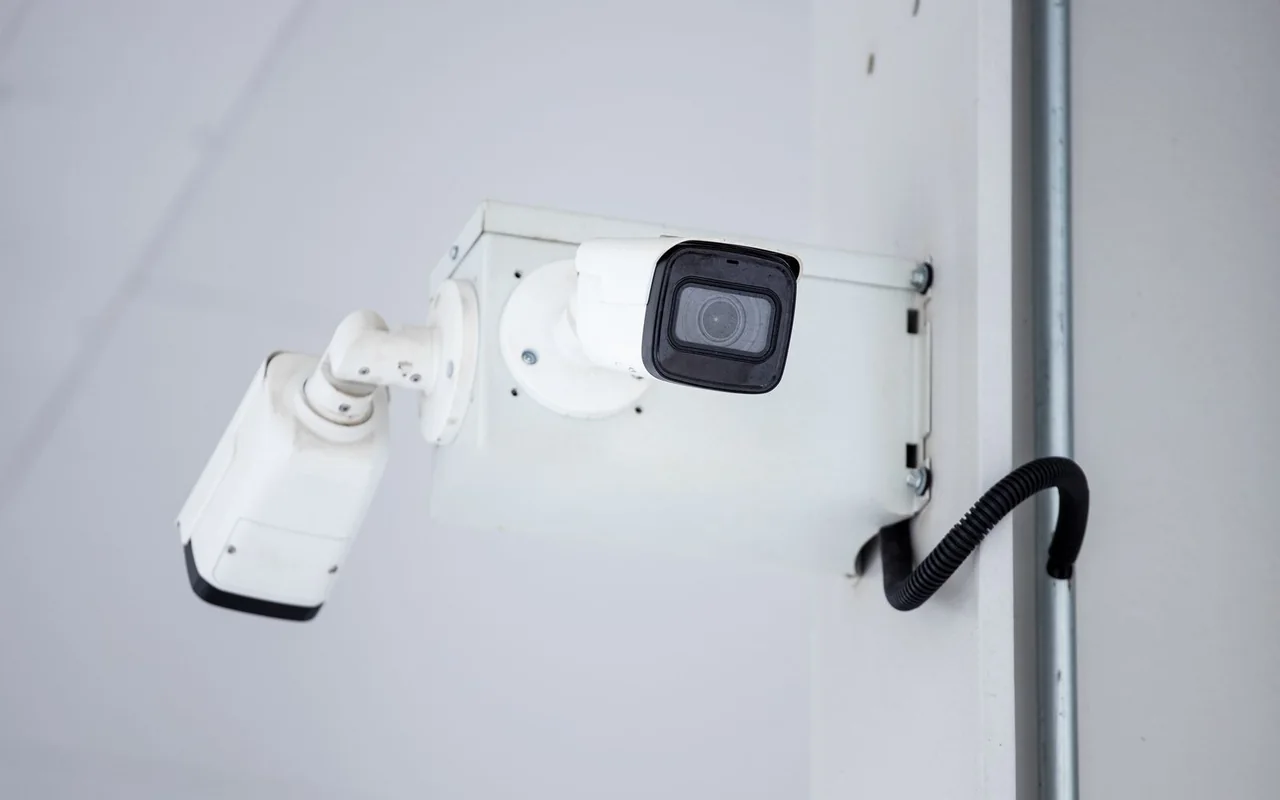
An outdoor camera can keep event data in the vendor account, a home hub or its own removable card, and some apps maintain exports or snapshots. Inspect the documented consequences of account removal and factory reset before doing either. Some operations will permanently remove camera history. Anyone who needs a permitted record should handle that decision under the applicable agreement and privacy rules before a destructive step. There is no practical reason to preserve a large private archive in the guide handed to the next resident.
Consider a connected speaker with household voice profiles, saved media accounts and Wi-Fi details. A reset can clear settings on the speaker while previously linked voice history on a service has its own controls. Follow the manufacturer's distinctions. Check the current account's list of devices after removal, and use the authorized incoming account to verify a fresh installation. If a device still says it belongs to another account, use the vendor and prior owner's official process rather than trying to evade protection. Keep the problem visible in the handoff record until resolved.
Replace current access through supported settings
A common example is an entry device with owner access, two guest codes and a maintenance schedule. Make a list of these roles without copying the codes. End the departing owner's control and retire codes no longer authorized, using the device's instructions and agreement with the responsible party. Have the incoming authorized person enroll with their own account. Then check with the door open where appropriate that basic operation works and a documented fallback can still be used. The old app should lose access even while the device itself remains useful.
Take the same approach for automations. A voice routine can turn a light on at night, and a thermostat app may carry a departure schedule. Bring the household to a predictable starting state agreed with residents. Restore a simple physical path to use when a separate app or hub is offline. If automations from other occupants share that equipment, update only the ones you have authority to change. Label a known inactive automation clearly so a successor can decide whether to enable it.
Walk the handoff in the receiving person's order
First try arriving with no old resident account. Use the agreed entrance, locate a document pointing to support, adjust a visible setting and observe how the device communicates a fault or low power. A camera can be checked with a willing test subject and no retained clips beyond the brief inspection. Do not leave a doorbell streaming to an old phone because the new app's live preview looked correct once. Ask each participant to verify their own authorized view separately.
A handoff note can be one page with the exact models, basic use and recovery routes. Reserve any sensitive information for a separate protected delivery. Include any paid service ending date and state which person decides whether to renew. When a model cannot be verified yet, mark the remaining task and the expected owner. A direct, current note helps a building superintendent or tenant avoid assumptions from an earlier household's choices.
Check once after everything is in place
Coordinate one short follow-up from normal controls after the arrival or first quiet day. Ask whether the lock works, temperature can be set, device ownership is correct and any expected subscription state is understood. If a service has a delayed transfer or requires a reset at a later time, verify it through the official process and agree who will follow through. A relatively small device transfer becomes complicated only when old accounts, live history and new practical access get treated as one setting. Once those are distinguishable, each has a clear endpoint.
A device that is awaiting vendor support can remain documented without pretending the handoff is complete. Specify its agreed physical fallback and who may control it during the wait. The receiving person can confirm that temporary arrangement separately from the eventual app ownership check.